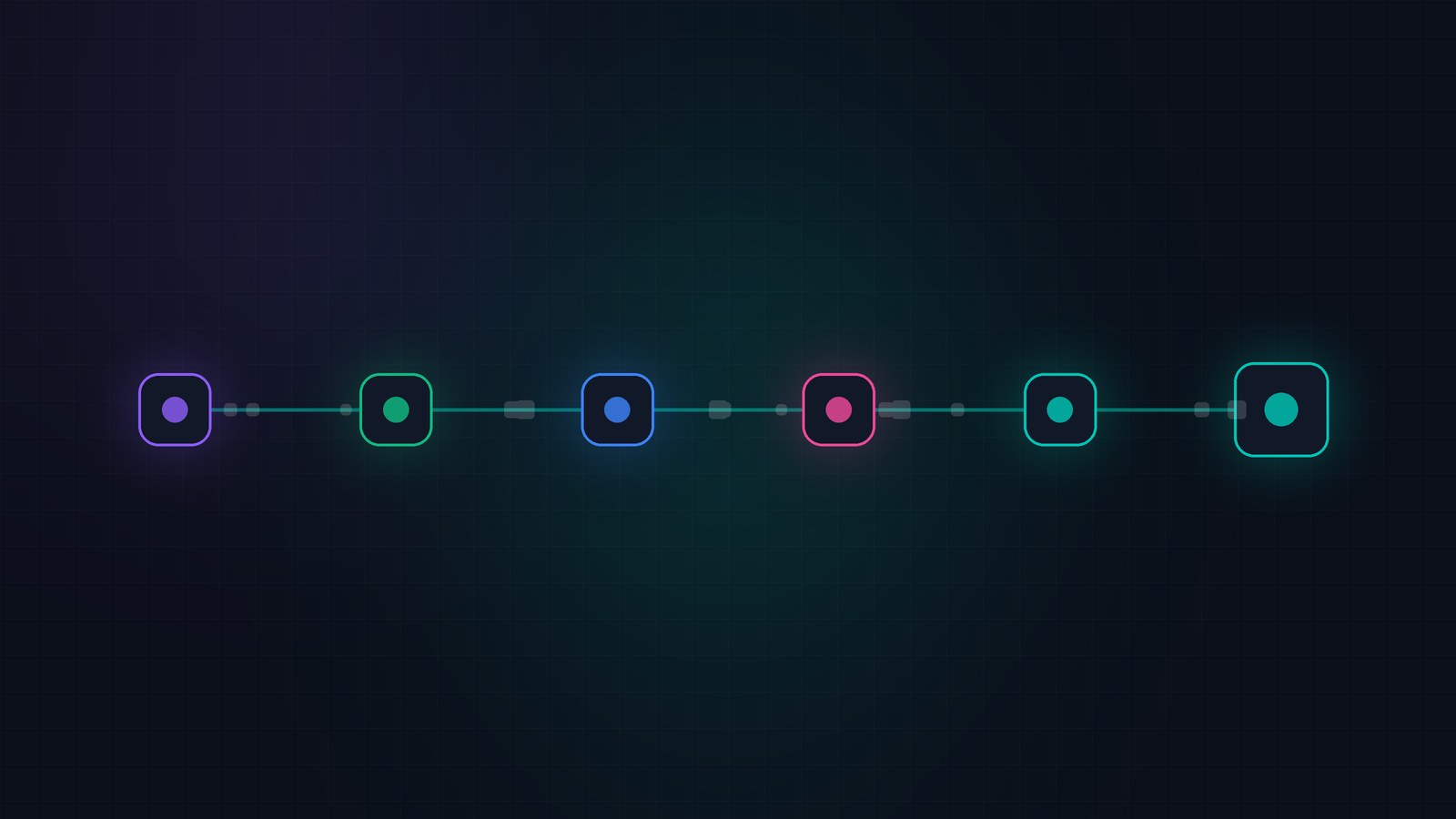
A good CRM for service businesses does six things from day one: keeps one clean customer list, tracks each job through stages that match real life, puts every message in one inbox, gives clients a booking link, assigns tasks to actual people, and sends the invoice. Campaigns, automations and portals can come later.
Why a CRM for service businesses looks different
Most CRM advice is written for sales teams. Territories, quotas, forecast calls on a Friday. If you run a salon or a plumbing company, that’s not your week.
You sell time, and every job has a shape. Someone gets in touch. You talk. You quote. They book. You do the work, you invoice, and if it went well they come back or send a friend.
So the useful question isn’t which CRM has the longest feature list. It’s this: can the system follow a job from the first message to the paid invoice without anyone copying details from one app into another?
That’s the test we’d use for any CRM for service businesses, ours included.
What does a simple CRM for small business need on day one?
1. One clean customer list
Every person and company you work with, in one place, with a history you can read in ten seconds. Pull them in from wherever they live now: a spreadsheet, your phone, an old tool. Then deal with duplicates before you do anything else. Two “Dave Miller” records in week one turn into seven by spring.
2. Pipeline stages for a service business that match real jobs
Name your stages after what actually happens. A cleaning company might use New enquiry, Quote sent, Booked, Job done, Invoiced, Paid. A consultancy might use Discovery call, Proposal, Signed, In delivery, Complete.
Five to seven stages is plenty. If a stage is always empty, delete it.
3. One inbox
Clients don’t care which channel you prefer. They’ll email, text, send a WhatsApp, or DM your Instagram at 10pm. If those land in four different apps, something gets missed. Pull them into one thread list attached to the customer.
4. Online booking for clients
Every “does Tuesday work?” back-and-forth is time you can’t bill. A public booking page tied to your real calendar ends it.
5. Tasks with a name and a date
“Call Mrs. Patel back Thursday” belongs on a list with someone’s name next to it. Not on the back of a receipt in the van.
6. A CRM with invoicing built in
If the job finishes in your CRM but the invoice gets made somewhere else, you’re back to copying. At the very least, invoices should know which customer and which job they belong to.
What can wait
These are worth having. Just not yet. A CRM for service businesses earns its keep on the basics first, and every one of these works better on top of clean basics.
- Email campaigns and drip sequences. Wait until you have a clean list to send to.
- Automations. Wait until you know which steps you repeat on every single job.
- A client portal. Worth it once documents are flying back and forth every week.
- Lead generation tools. Get on top of the leads you already have first.
How CRMown handles the day-one list
Here’s where each item lives. The first five are Core and come with every plan. Invoicing is part of the Finance suite.
| Day-one need | Where it lives | Worth knowing |
|---|---|---|
| Customer list | Contacts and Companies | Imports run analyse, duplicate-check, execute, with a problem report and one-click undo. Company records can be built from contact email domains. |
| Job pipeline | Pipeline | Several pipelines, each with its own stages and custom fields. Start from a template or save your own. Drag deals between stages and set a timing target per stage. |
| One inbox | Conversations | Email, SMS, WhatsApp, Facebook Messenger, Instagram DMs, X, LinkedIn and YouTube in one list. Turn a conversation into a deal. |
| Booking | Calendar | Public booking pages with availability rules. Two-way sync with Google Calendar, Microsoft 365 and Apple iCloud. |
| Tasks | Tasks | Due dates, owners and dependencies. Syncs both ways with Google Tasks and Microsoft To Do. |
| Invoices | Finance suite | Create, send and mark invoices paid. Each one gets a public payment page, and Stripe Connect pays into your own Stripe account. Overdue reminders included. More on a CRM with invoicing, from proposal to payment. |
A few extras that matter more for service teams than for sales teams:
- The contact timeline. Emails, texts, social messages, deals, tasks and meetings on one record. Whoever picks up the phone has the backstory.
- Meeting prep and follow-up. Meetings can draft prep notes from the CRM history before a call, and afterwards give you a summary and action items to apply in one click.
- Plan my week. In Tasks, the AI proposes a week of work and applies it only when you accept.
- The mobile app. The pricing page lists the iOS and Android app on every plan, so the tech on site can see the job and the customer.
A CRM for contractors and small teams in one afternoon
Here’s a realistic first afternoon setting up a CRM for service businesses with a small team.
- Import your contacts and clear the duplicates. This takes as long as your data is messy.
- Build one pipeline with your real stages and add the jobs already in progress.
- Connect email. Add SMS, WhatsApp and social once email works.
- Make one booking page and put the link in your email signature.
- Add the tasks you’ve been carrying around in your head, each with an owner and a date.
- If you’re on Finance, add your three most common services as products and invoice your next finished job from the CRM.
That’s a working CRM. The rest is tuning, and you’ll know what to tune once real jobs have run through it for a month.
FAQ
Do I need a separate CRM for each part of the business?
How many pipeline stages should a service business have?
Can clients book appointments without calling me?
Can customers pay straight from the invoice?
Will my accountant still get what they need?
Is a CRM for service businesses overkill for a two-person team?
Keep reading
You can set up the day-one list in a real workspace and see how it fits your jobs.
Capabilities described from CRMown’s feature inventory, generated from the live codebase on 30 August 2026. Plan and suite availability varies; check pricing for current details.